When the slide editor shipped, a user called it "not the easiest to use, but it works". She was being polite. You picked an element from a list on the right, then looked left to see what changed.
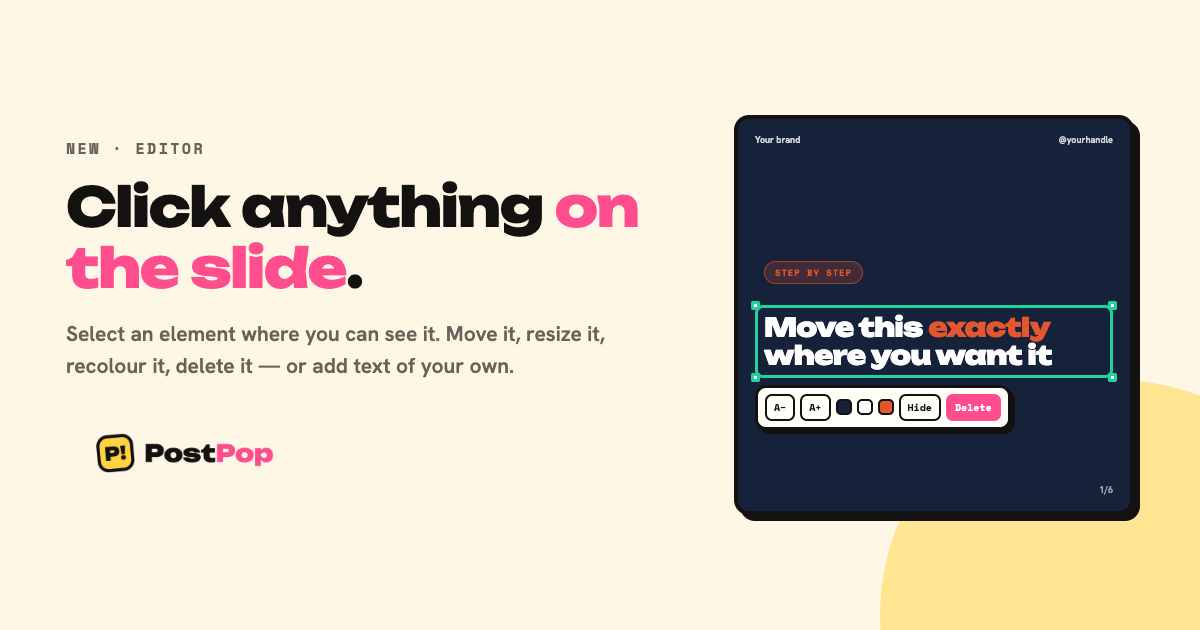
Now you click the thing you want to change, on the slide.
Why this was hard, and why it is honest
The preview in the editor is a PNG because it is the export. Not a picture of it — the same render, at a smaller size. That is why what you see cannot drift from what lands in your folder.
The cost of that honesty is that a browser receives one flat image. There is nothing to hover and nothing to click. We could have rebuilt each slide in HTML to get clickable boxes, and it would have started lying the first time a template changed.
So we asked the renderer instead. It already works out where every element goes in order to draw it; it now reports that back. The clickable boxes come from the same pass that drew the picture, so they cannot point somewhere the element is not.
What you can do now
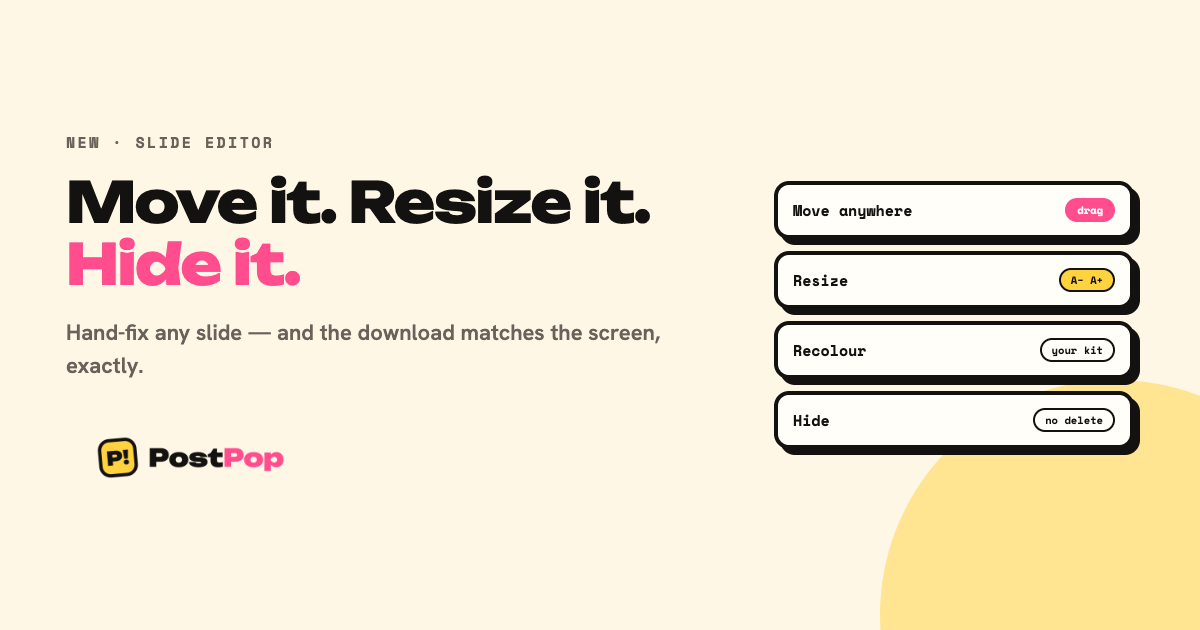
- Click an element on the slide to select it
- Delete it — for generated copy that means hide, so Reset always brings it back
- Add text of your own, up to six pieces per slide, dragged anywhere
Added text is the one thing in the editor that really deletes, because there is no original to bring back. The panel tells you which of the two is about to happen.
What it still will not do
Fonts stay locked to your brand kit and colours come from your palette. A free font picker is how a brand kit stops meaning anything.
And a few slide layouts draw their own content — a listicle's numbered items, for instance — so on those you will still use the element list. It reaches everything, on every slide.