A user put it plainly: "I see my carousel and select Edit in Studio, but the only things I can do afterwards are edit the caption or download it. What about editing the carousel itself?"
Fair. Generation gets you 95% of the way; the last 5% is a title one line too long, or an eyebrow you don't want on this particular post. Now you can fix it.
What you can do
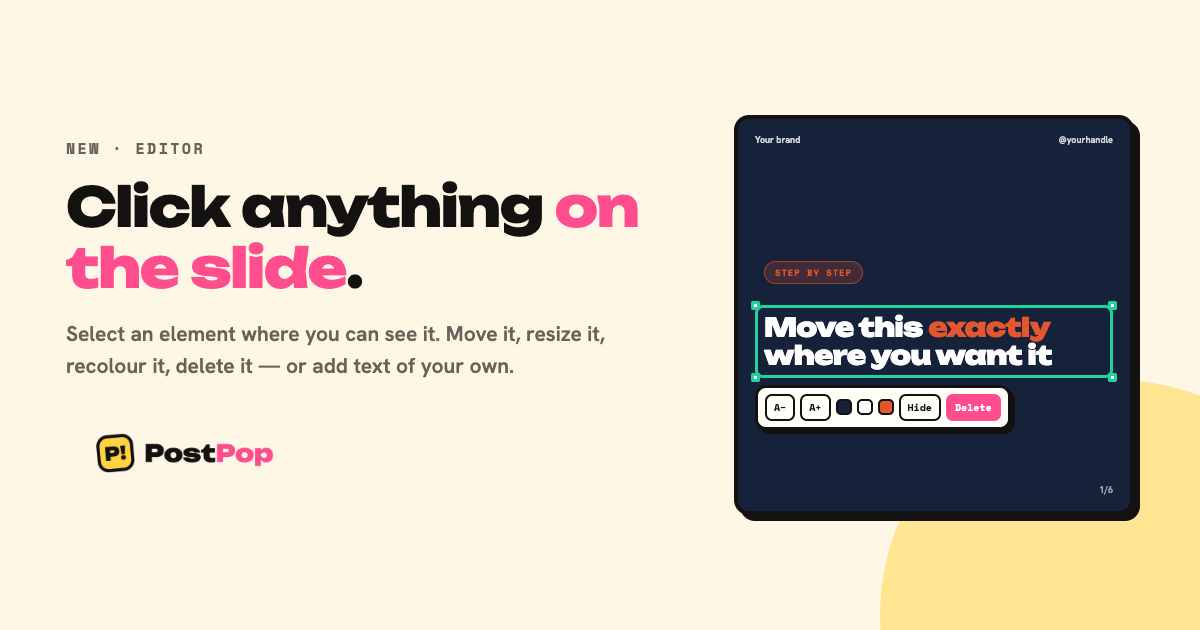
Open any post from the Library and choose Edit slides. Pick an element — title, body, eyebrow, footer, handle, logo — and:
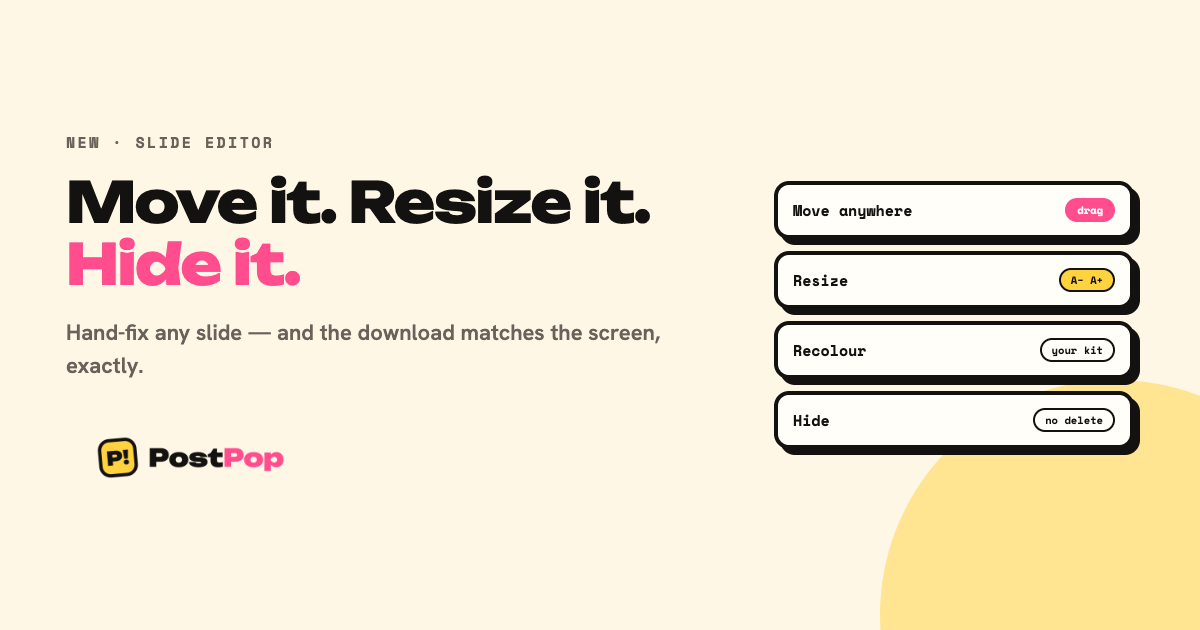
- Move it anywhere on the slide, by dragging
- Resize it up or down in steps
- Recolour it from your brand palette
- Hide it on that slide
Per slide, with undo, and a filmstrip marking which slides you've touched. Reset any slide back to what the AI wrote, at any time.
The part that took the work
The preview is not a picture of the export. It is the export.
When you edit, the editor asks the same renderer the download uses, with the same changes, and shows you the result. So what is on screen cannot drift from what lands in your folder. Rebuilding the slide in HTML would have been smoother to drag around — and would have started lying the first time a template changed.
Two limits, said out loud
Fonts stay locked to your brand kit. A free font picker is how a brand kit stops meaning anything. Same for colours: you choose from your palette, not from a colour wheel.
A title you move loses its highlighted phrase. The accent colour only works where the template lays the title out. Send it back to the layout and the highlight comes back.
Hiding, not deleting
Nothing you hide is destroyed. The generated copy is always underneath, which is why Reset can always bring it back. An editor that can lose your work is worse than no editor.
Included on Creator and every lifetime tier.